
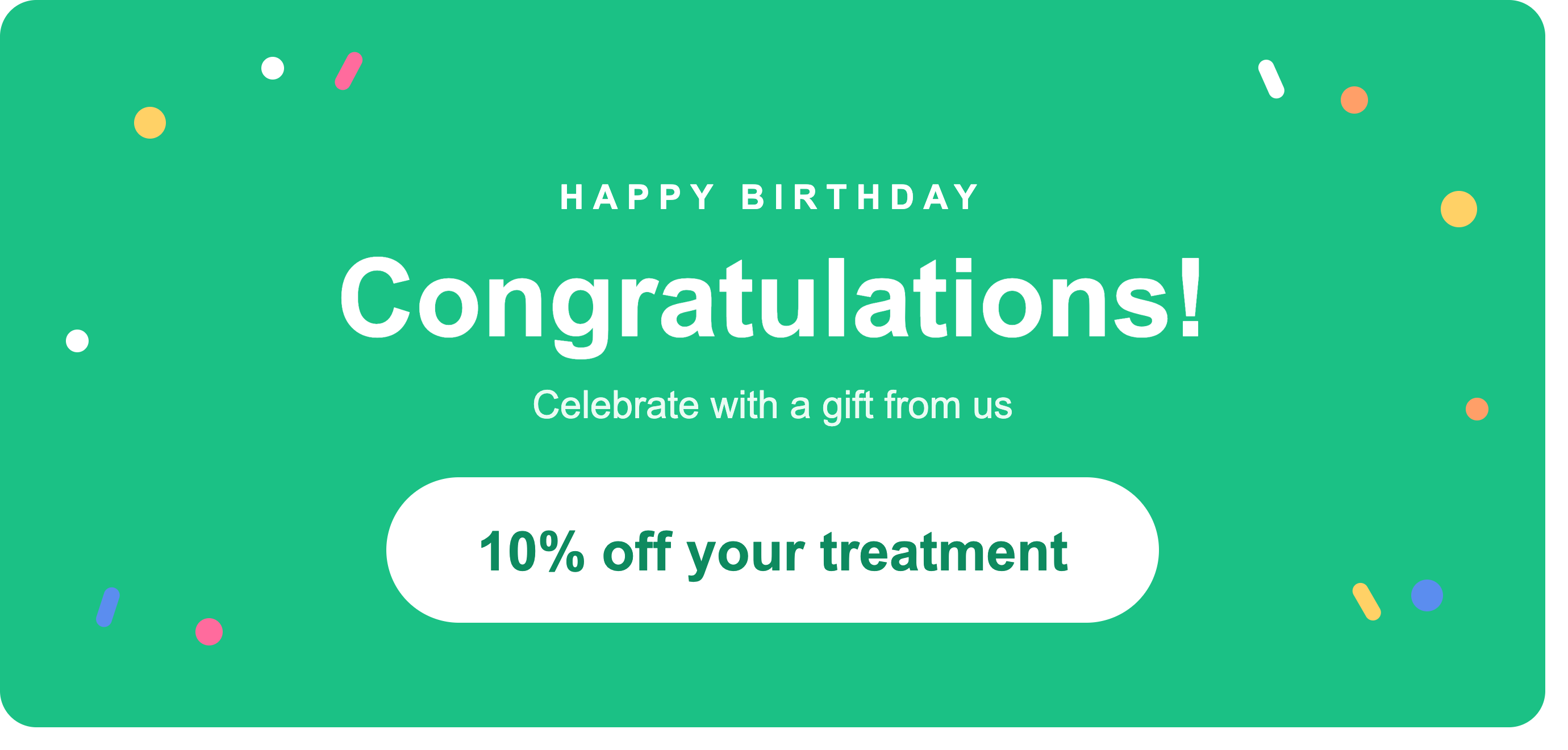
Every patient in your clinic has a birthday, and most of them pass without a word from you. That is a missed moment. A birthday is one of the few days a year a patient already feels good and is open to hearing from you, which makes it the perfect trigger for a light, personal offer that brings them back in.
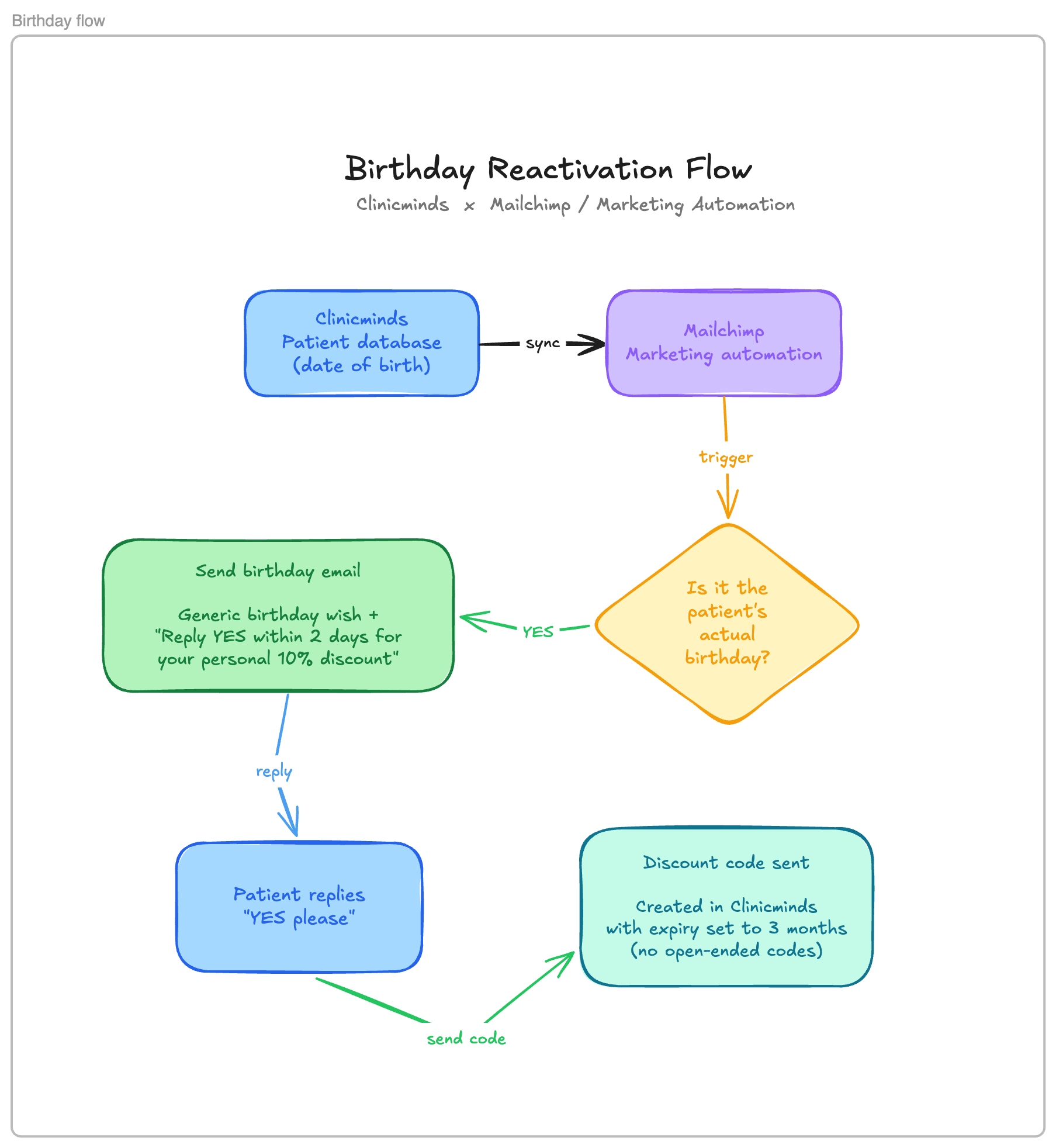
By connecting Clinicminds to a marketing automation tool, you can send an automated birthday message on the exact day a patient turns a year older, and turn that goodwill into a booking. Here is how the workflow comes together.
Step 1: Connect Clinicminds to your marketing automation tool
Start by syncing your patient data from Clinicminds to Mailchimp or another marketing automation platform. The one field that matters most here is the date of birth, so make sure it is included in the sync. Everything downstream depends on it.
Step 2: Set up the birthday trigger
Create an automation that fires on each patient’s actual birthday. The tool checks the date of birth every day and only triggers on a match, so patients hear from you on their real birthday rather than in a single batch send. That timing is what makes the message feel personal instead of promotional.
Step 3: Send the birthday email
On the day itself, send an automated email that pairs a warm birthday wish with a small, personal offer. Keep the birthday message genuine and the offer clear. A simple line works well: reply YES within two days and receive your personal 10% discount.
The short two-day window does the quiet work here. It adds a gentle sense of urgency and keeps the offer feeling exclusive rather than like a standing discount anyone can claim at any time.
Step 4: Capture the response
Set the reply-to address on the birthday email to an inbox you actually monitor. When a patient replies YES please, the response lands somewhere you can act on it, and that reply marks them as interested and ready for the next step. Because the offer is opt-in, you only follow up with patients who genuinely want to hear more.
Step 5: Send the discount code
Once a patient has opted in, send their personal discount code. Create the code directly in Clinicminds and set its expiration there, so it stays valid for three months and no longer. You do not want an open-ended code that lasts forever, as that quietly erodes your margins and removes the urgency the offer depends on. A three-month window is long enough for the patient to find a moment that suits them and book a treatment, while still short enough to keep the offer from drifting into something they forget about entirely.
The same flow works in other tools
This setup is not tied to Mailchimp. You can build the identical workflow in other marketing automation tools such as Klaviyo, Hubspot, ActiveCampaign, and connect them to Clinicminds through Zapier to handle the data sync and the trigger logic. The principle stays the same regardless of which platform you prefer: patient birthday, warm message, opt-in offer, timed discount code.
Why this works
A birthday campaign asks very little of you once it is built. It runs on its own, reaches patients on a day they are already receptive, and only pulls in the ones who raise their hand. For a clinic, that is a steady, low-effort way to reactivate patients who might otherwise have quietly drifted away.
Want to learn more or see Clinicminds in action?
Chat with us directly. Click the chat button and we will get back to you right away.